@vittucci The solution is to run as x11. Just run opera --ozone-platform=x11
Before we were able to set flags by going into opera://flags. But it's removed now.
So run with the provided command -> update the .desktop file to use the command
Do more on the web, with a fast and secure browser!
Download Opera browser with:
@vittucci The solution is to run as x11. Just run opera --ozone-platform=x11
Before we were able to set flags by going into opera://flags. But it's removed now.
So run with the provided command -> update the .desktop file to use the command
@aswinsanthosh: There is also a bug, Opera crashes if set Sidebar to autohide.
kindly address these two issues.
Opera running as Unknown App.
Crash on setting sidebar to Autohide
both on opera running in native wayland
i know the workaround is to set ozone platform to X11, but i think its time to fix it for native wayland
opera on Linux under wayland session runs as unknown app, no icon(show default app icon from system), Therefore it runs as different from pinned icon if that make sense. From what i understand Opera do not provide an application ID, thereby this behavior. it isn't a new bug it existed for years i think, whenever we run opera by setting ozone platform to auto or wayland this used to happen. Now Opera deaults to Wayland its great that it does, Major distros have move to wayland by default. I think its time opera to fix this aged bug
@ijpet This isnt a new issue, it existed for years now i think. Its due to wayland, when opera is set to run on wayland by setting ozone platform to auto or wayland this happens. Opera team haven't look into it, even me myself reported it in the forums.
why now its happening?
Well as far as i know Chrome made wayland default with v140. thereby opera now run on wayland by default
Its a good thing that it runs on wayland. I hope opera fixes it.
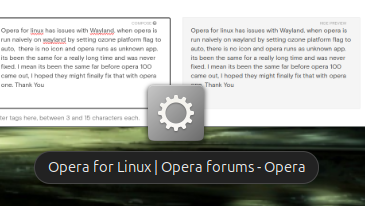
Opera for linux has issues with Wayland. when opera is run naively on wayland by setting ozone platform flag to auto, there is no icon and opera runs as unknown app. its been the same for a really long time and was never fixed. I mean its been the same far before opera 100 came out, I hoped they might finally fix that with opera one. Example (image) when opera on overview on gnome attached. Thank You