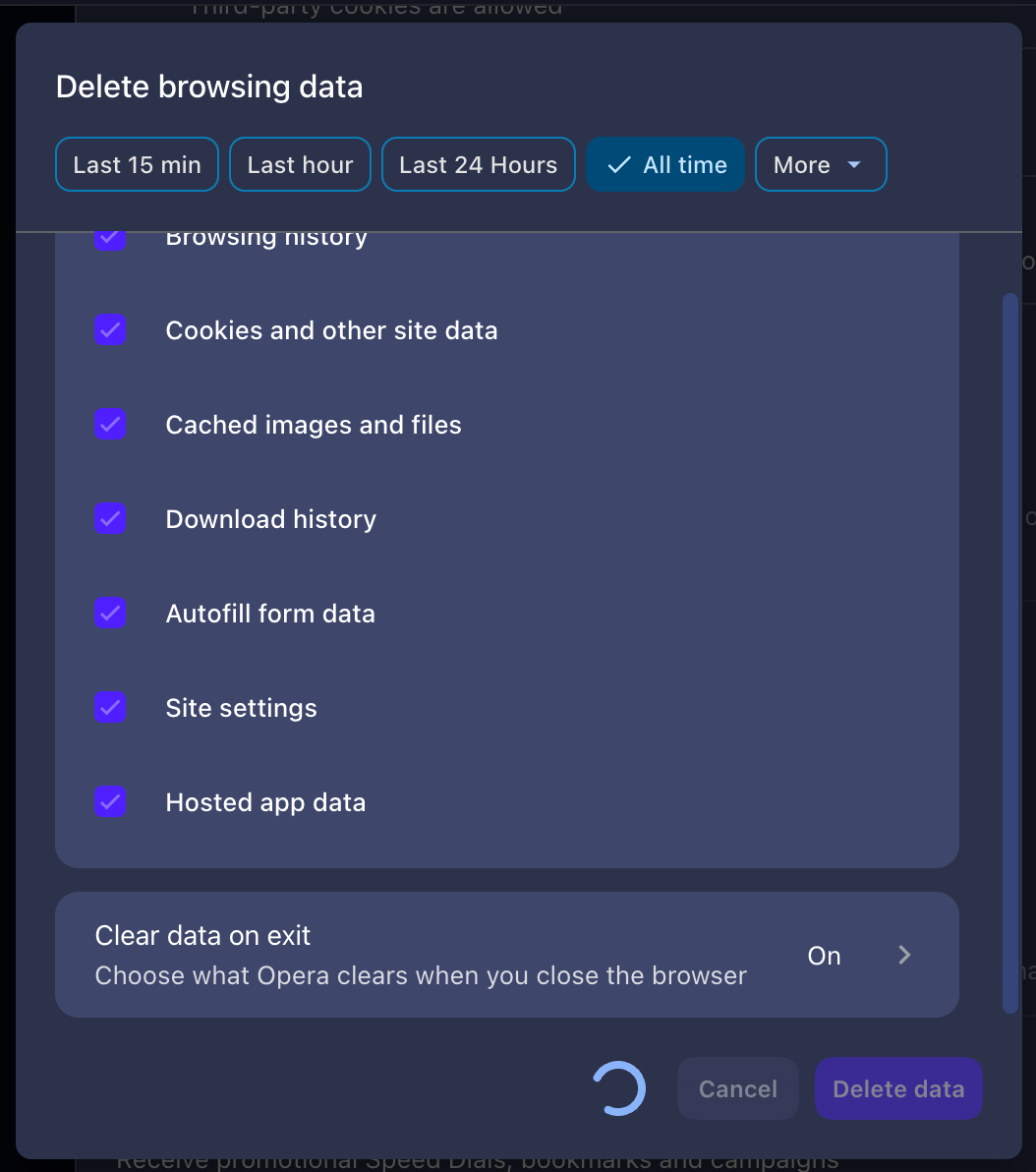
I selected all checkbox, selected "All time" and enable "Clean data on exit", after click on "Delete data" it stuck. I must force close and reopen Opera again.
And yes, I run in clean environment (no browser data) and the same result.
MacBook Air M1, Tahoe 26.5.1
Opera 132.0.5905.73 (or maybe the latest version on 25 June 2026)
P.S. I will not provide any information further because I decided to uninstall Opera and don't use it. You can block my topic again.