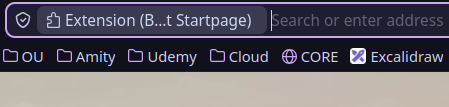
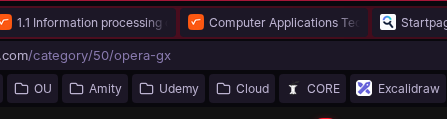
@rakeshsingh Resolved with "--force-device-scale-factor=1.25"
I map Super+O in XFCE to launch /usr/bin/opera-gx --force-device-scale-factor=1.25
Not recommended, but I also changed the shortcut.
bat /usr/share/applications/opera-gx.desktop
─────┬─────────────────────────────────────────────────────────────────────────────────────────────────────────────────────────────────────────────────────────────────────────────────────────────────────────────
     │ File: /usr/share/applications/opera-gx.desktop
─────┼─────────────────────────────────────────────────────────────────────────────────────────────────────────────────────────────────────────────────────────────────────────────────────────────────────────────
   1 │ [Desktop Entry]
   2 │ Version=1.0
   3 │ Name=Opera GX
   4 │ GenericName=Web browser
   5 │ Comment=Fast and secure web browser
   6 │ TryExec=opera-gx
   7 │ Exec=opera-gx --force-device-scale-factor=1.25 %U
   8 │ Terminal=false
   9 │ Icon=opera-gx
  10 │ Type=Application
  11 │ Categories=Network;WebBrowser;
  12 │ MimeType=text/html;text/xml;application/xhtml_xml;x-scheme-handler/http;x-scheme-handler/https;x-scheme-handler/ftp;application/x-opera-download;
  13 │ Actions=new-window;new-private-window;
  14 │ StartupWMClass=Opera GX
  15 │
  16 │ [Desktop Action new-window]
  17 │ Name=New Window
  18 │ Exec=opera-gx --force-device-scale-factor=1.25 --new-window
  19 │ TargetEnvironment=Unity
  20 │
  21 │ [Desktop Action new-private-window]
  22 │ Name=New Private Window
  23 │ Exec=opera-gx --force-device-scale-factor=1.25 --incognito
  24 │ TargetEnvironment=Unity