• Login
    • Search
    • Categories
    • Recent
    • Tags
    • Users
    • Groups
    • Rules
    • Help

    Do more on the web, with a fast and secure browser!

    Download Opera browser with:

    • built-in ad blocker
    • battery saver
    • free VPN
    Download Opera

    Disabling ads cause blank spaces on myabandonware.com

    Opera for Windows
    1
    2
    246
    Loading More Posts
    • Oldest to Newest
    • Newest to Oldest
    • Most Votes
    Reply
    • Reply as topic
    Log in to reply
    This topic has been deleted. Only users with topic management privileges can see it.
    • P
      PortlaBranco last edited by leocg

      I am referring to the website myabandonware.com.

      When I enable the ad blocker, the ads disappear, but blank spaces remain where the ads used to be:
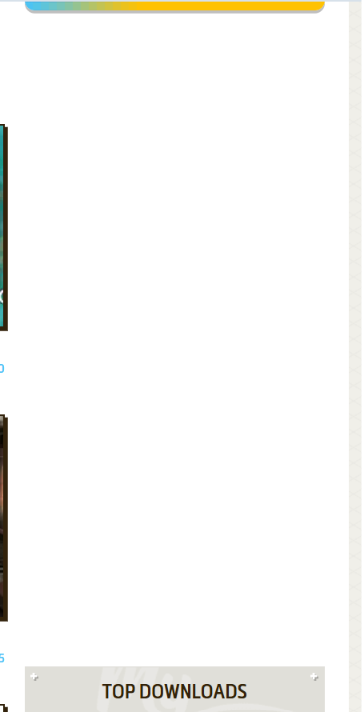
      alt text

      And this floating icon remains on the left side:

      alt text

      How do I remove this icon and the empty spaces left by the removed ads?

      Reply Quote 0
        1 Reply Last reply
      • P
        PortlaBranco last edited by PortlaBranco

        Before enabling "Block ads and surf the web up to three times fasterLearn more":
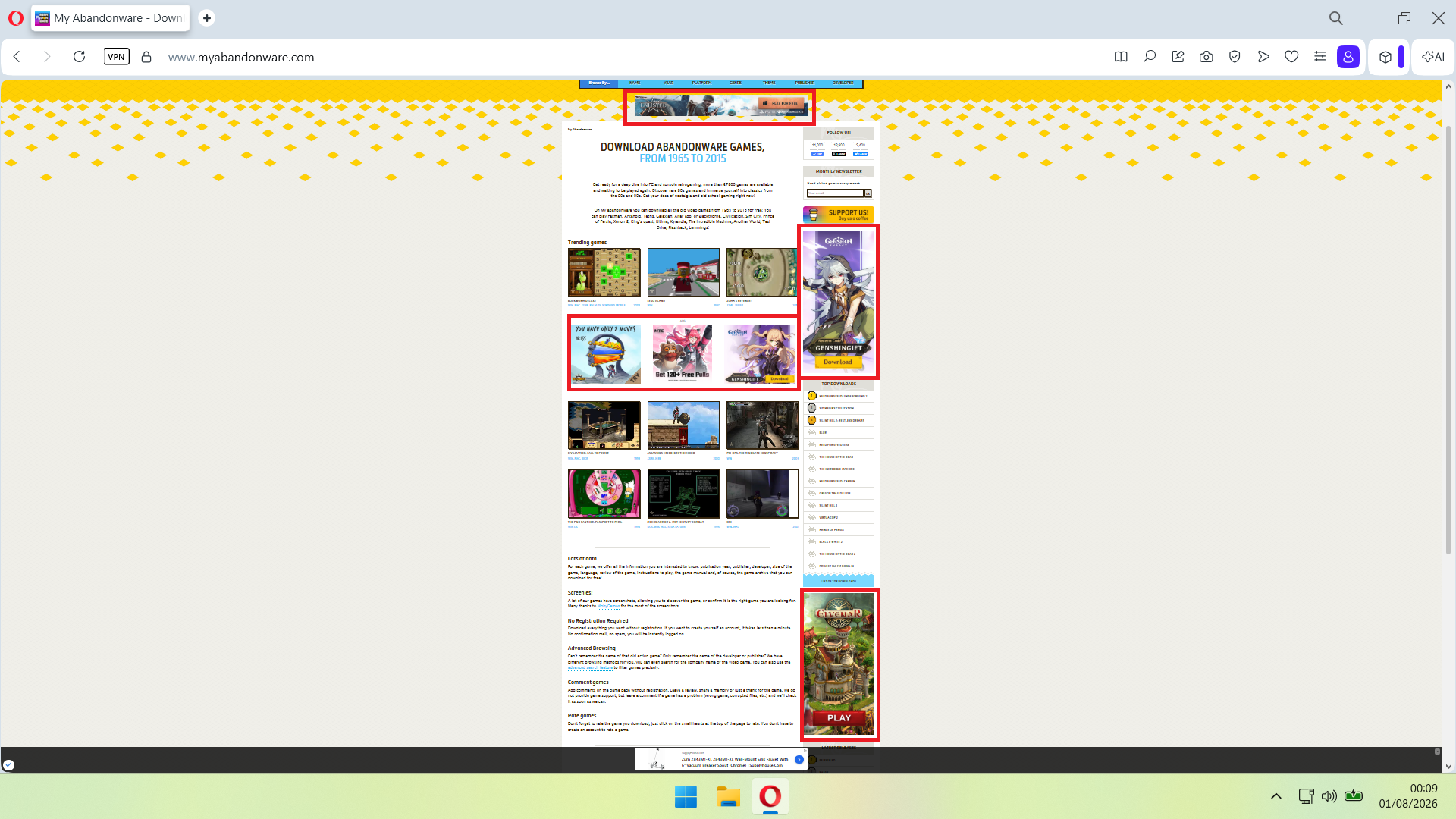
        a.png

        When I activate "Block ads and surf the web up to three times fasterLearn":
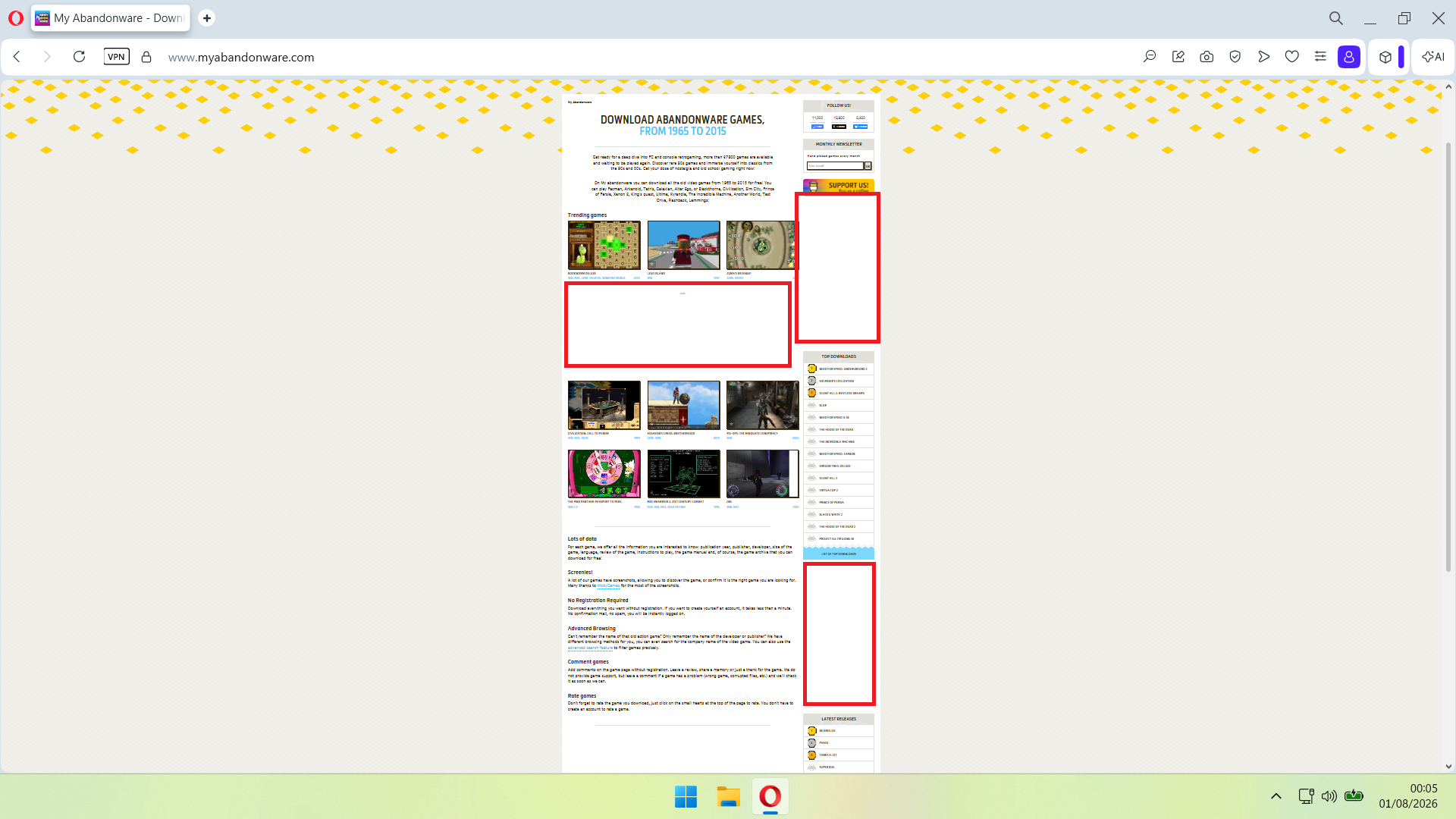
        b.png

        How do I remove these blank spaces?

        Reply Quote 0
          1 Reply Last reply
        • First post
          Last post

        Computer browsers

        • Opera for Windows
        • Opera for Mac
        • Opera for Linux
        • Opera beta version
        • Opera USB

        Mobile browsers

        • Opera for Android
        • Opera Mini
        • Opera Touch
        • Opera for basic phones

        • Add-ons
        • Opera account
        • Wallpapers
        • Opera Ads

        • Help & support
        • Opera blogs
        • Opera forums
        • Dev.Opera

        • Security
        • Privacy
        • Cookies Policy
        • EULA
        • Terms of Service

        • About Opera
        • Press info
        • Jobs
        • Investors
        • Become a partner
        • Contact us

        Follow Opera

        • Opera - Facebook
        • Opera - Twitter
        • Opera - YouTube
        • Opera - LinkedIn
        • Opera - Instagram

        © Opera Software 1995-