• Login
    • Search
    • Categories
    • Recent
    • Tags
    • Users
    • Groups
    • Rules
    • Help

    Do more on the web, with a fast and secure browser!

    Download Opera browser with:

    • built-in ad blocker
    • battery saver
    • free VPN
    Download Opera

    Click counter tool not resetting after refresh in Opera?

    Opera for Windows
    1
    1
    23
    Loading More Posts
    • Oldest to Newest
    • Newest to Oldest
    • Most Votes
    Reply
    • Reply as topic
    Log in to reply
    This topic has been deleted. Only users with topic management privileges can see it.
    • J
      James1001 last edited by

      Hi everyone,

      I’ve been testing a simple online click counter to track clicks and check my clicking speed, but I’ve noticed something odd when using Opera.
      Sometimes after refreshing the page, the counter doesn’t reset back to 0 and instead keeps the previous value. Other times it works fine, so it feels a bit inconsistent.

      This is the tool I’m using:
      https://thetallycounter.com/

      I’m wondering if this could be related to Opera’s caching or how it handles local storage/session data.
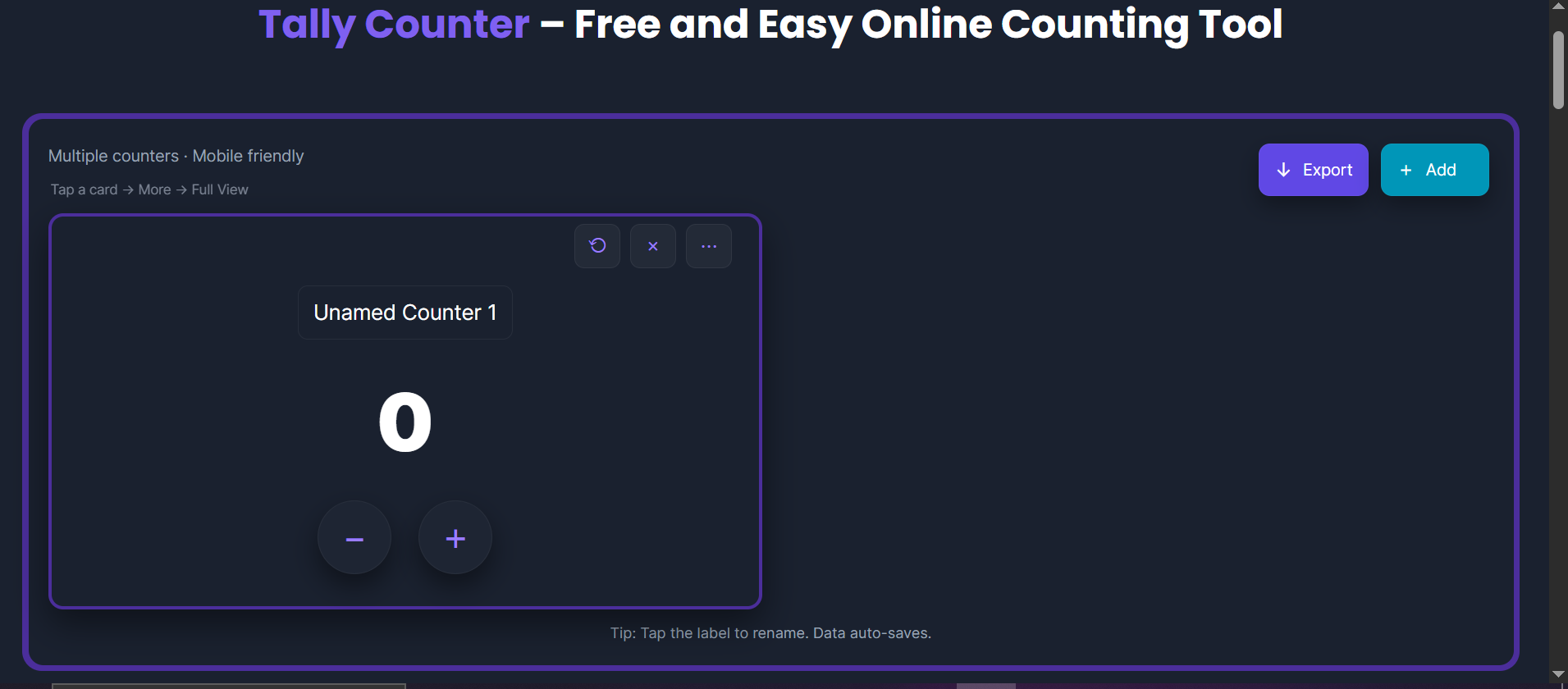
      Screenshot 2026-01-31 235630.png. Has anyone else experienced similar behavior with web tools like this in Opera? Should I be checking any specific settings or clearing something to fix it?

      Thanks in advance 👍

      Reply Quote 0
        1 Reply Last reply
      • First post
        Last post

      Computer browsers

      • Opera for Windows
      • Opera for Mac
      • Opera for Linux
      • Opera beta version
      • Opera USB

      Mobile browsers

      • Opera for Android
      • Opera Mini
      • Opera Touch
      • Opera for basic phones

      • Add-ons
      • Opera account
      • Wallpapers
      • Opera Ads

      • Help & support
      • Opera blogs
      • Opera forums
      • Dev.Opera

      • Security
      • Privacy
      • Cookies Policy
      • EULA
      • Terms of Service

      • About Opera
      • Press info
      • Jobs
      • Investors
      • Become a partner
      • Contact us

      Follow Opera

      • Opera - Facebook
      • Opera - Twitter
      • Opera - YouTube
      • Opera - LinkedIn
      • Opera - Instagram

      © Opera Software 1995-