Passwords get not synced
-
 DrackenDarck last edited by DrackenDarck
Hey, I have a new smartphone and I am hell frustrated with the entire phone transfer of my data...
I used the opera.com/connect but even if the screen says I can now use all my passwords does my account on this phone say "passwords".
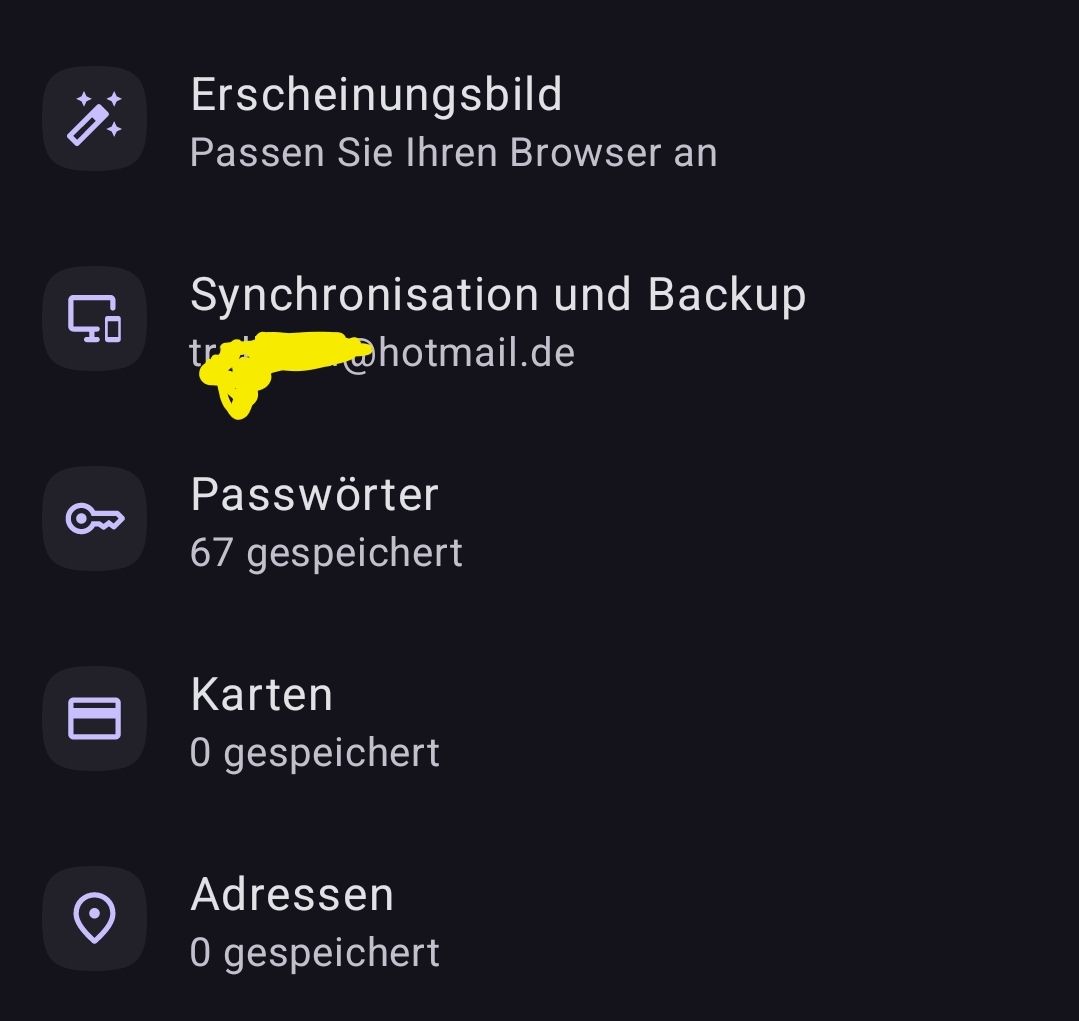
I am logged in in both devices and I have sync active.Also do I not understand why the browser settings are also not synced, I hate to Setup my layout every time I switch my phone

Greetings
Edit: I exported now the .csv used Flow to send it me and then imported it and my 67 passwords got then changed to 65 Oo... I checked all manually and found one missing entry Arte.tv was not saved.
I added it manually, but I have no idea why the hell it's not syncing.
Generally does opera cause more and more issues since a few months. I made another posts a few weeks ago that the "never ask on this website" function doesn't work and my addresses says 0, but I have my address saved.... All the auto fill functions seem to bug around on mobile
-
NovaStar123 last edited by
@DrackenDarck yeah it happens every time when you have new phone,, you can not trasporte your opera to the new one,,,,,,, opera is the worst in this ,, you can not transfer taps or passwords like other navigator ,it makes you begin again every time, yeah you have the history or taps you have open in the other phone but you neet to open all one by one and put again all the passwords,,,,,, this is the biggest flaw for my in opera compare to other navigator,,, this the dame in pc,phone ,, and opera,and opera gx has the same problem y you transfer to new phone or pc say good by to you taps and passwords

-
DrackenDarck last edited by DrackenDarck
@NovaStar123
You can export the passwords as a .csv file and then import them.
Export as .csv then open the "flow" it's a private chat just with yourself.
Drop the file there, open it from your new device and load the passwords.
Then DELETE the csv in the flow chat and from both devices.And you talk about the "tabs"
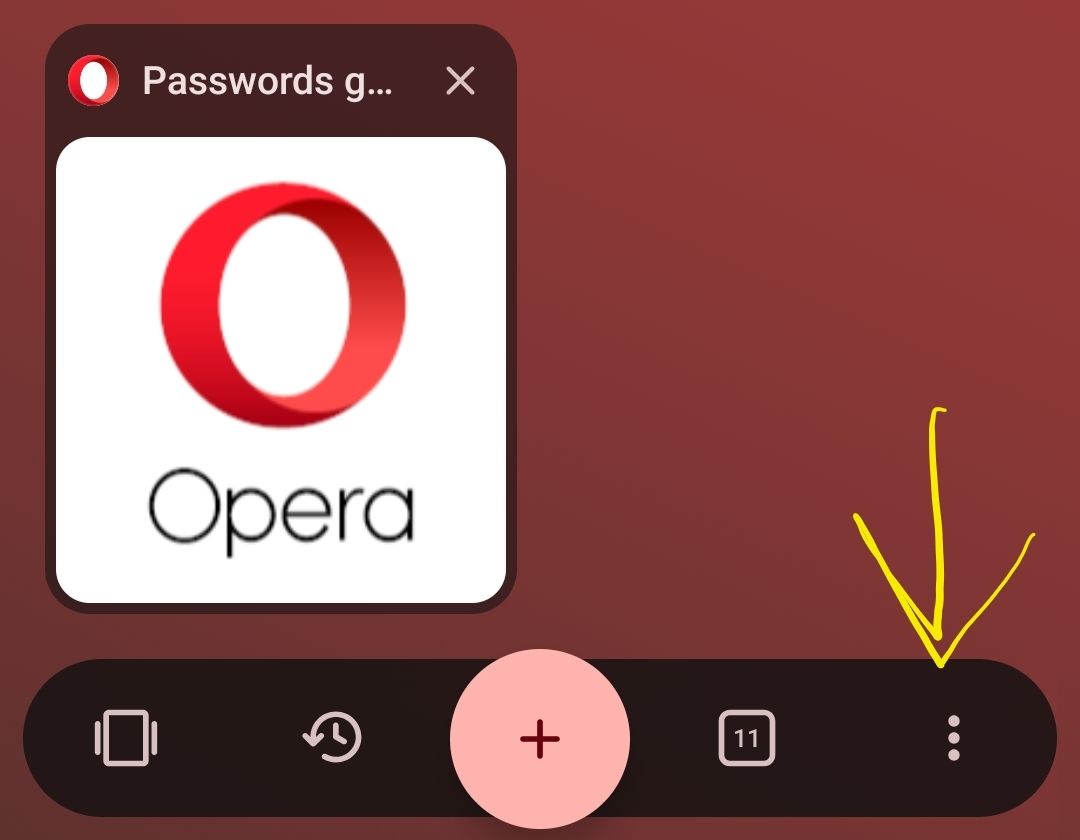
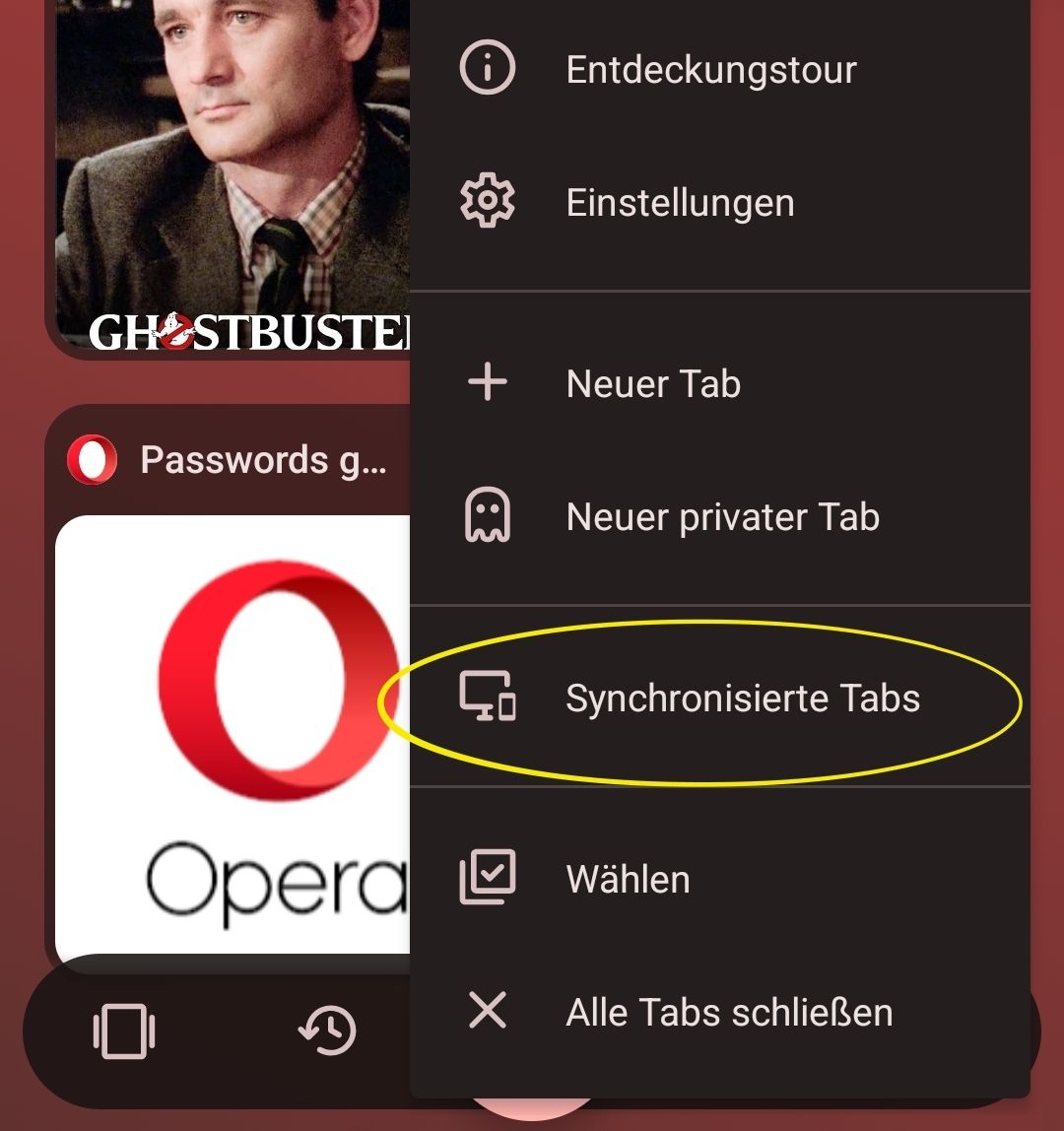
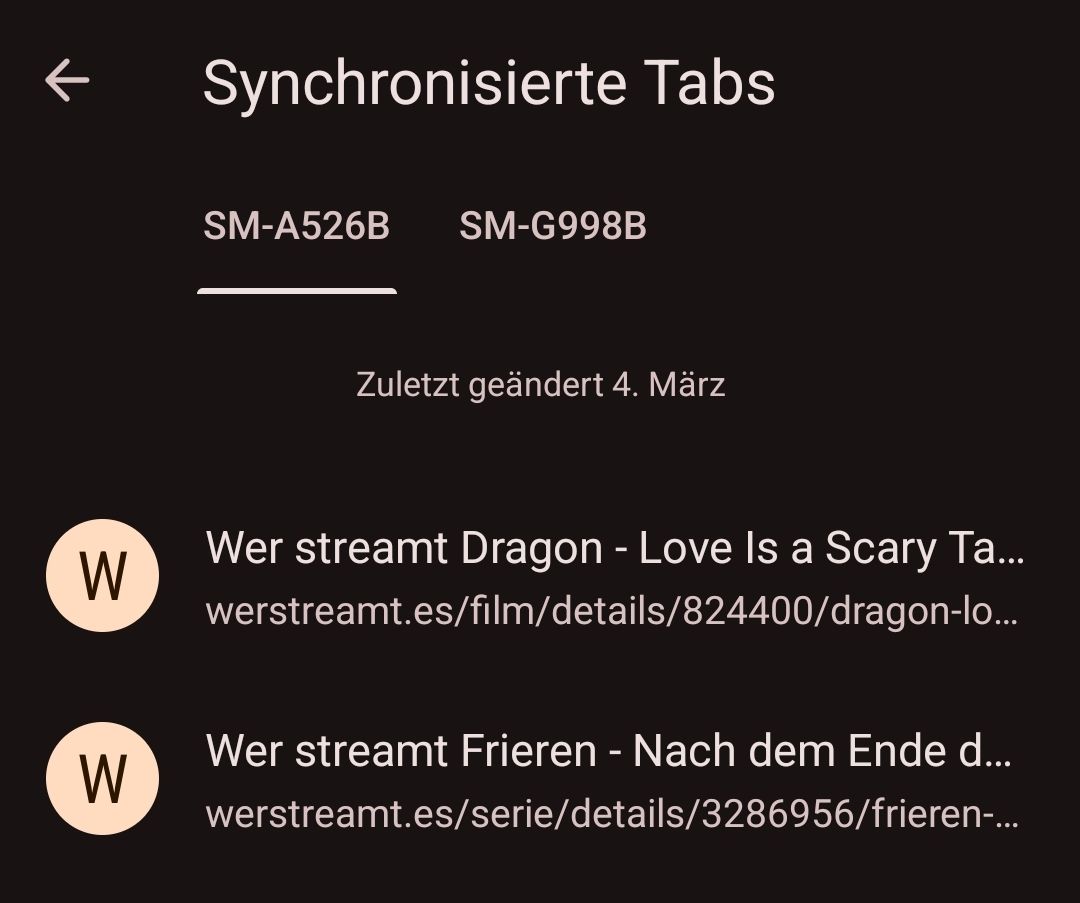
 the open pages, you can open them at the right bottom.