.deb versions of Opera 124.0.5705.* do not provide application ID
-
 ijpet last edited by
The deb version of Opera - tested both 124.0.5705.42 and the recently released 124.0.5705.65 - do not provide an application ID. Therefore GNOME can't assign the icon as seen in this screenshot:
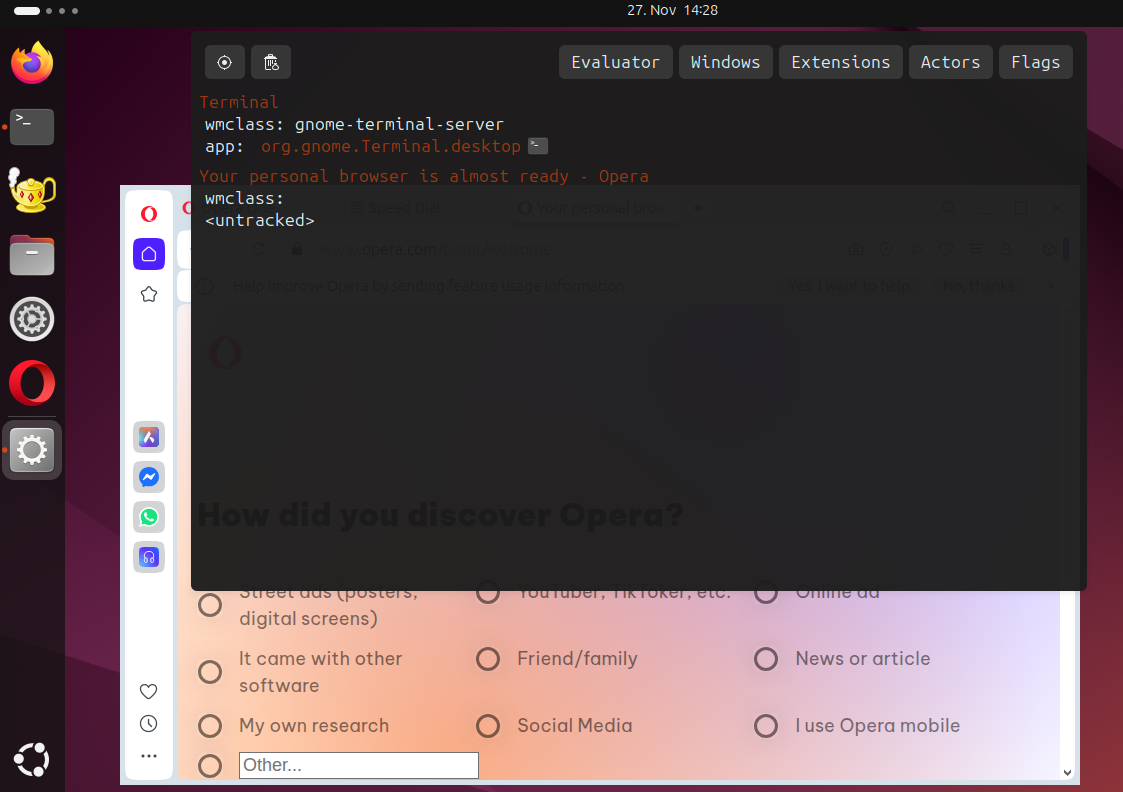
What's interesting is that the snap version actually provides an app ID. Therefore the correct icon is assigned as can be seen in this screenshot:
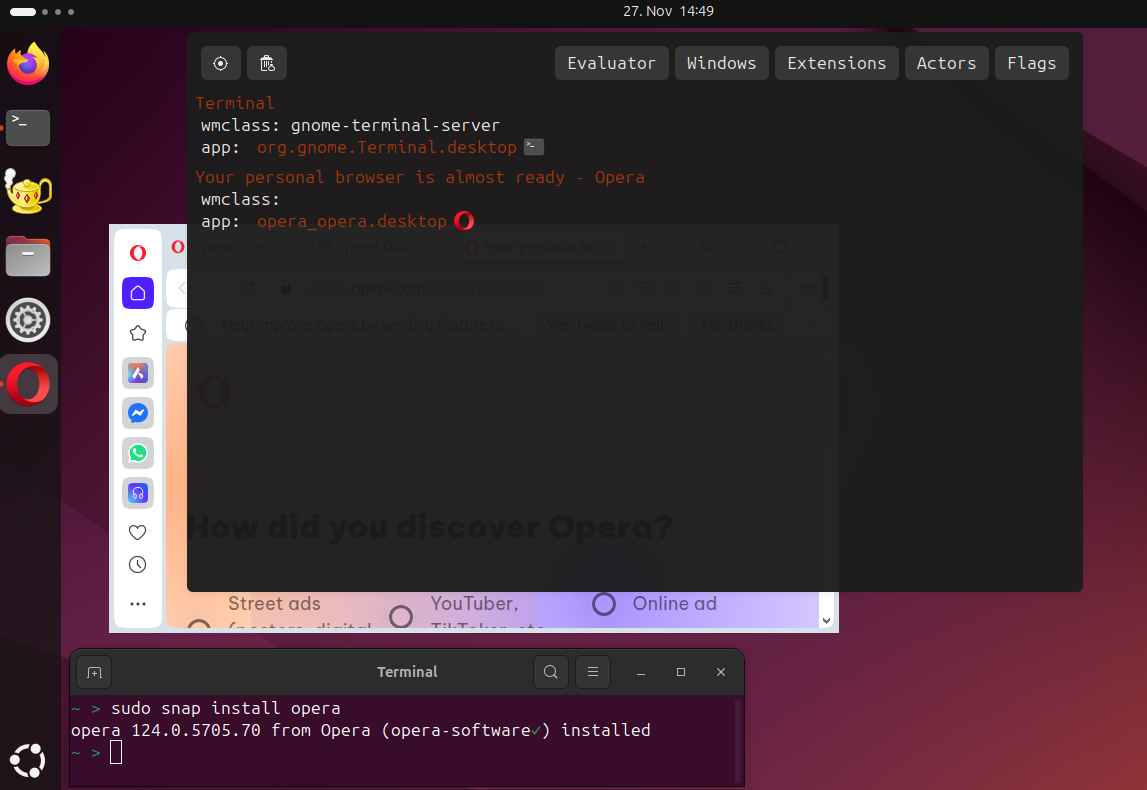
Then again, the snap version seems to be at version 124.0.5705.70, so I hope they fixed the issue already in the .deb version.Old versions up to v123.* did actually provide an app ID so the icon worked as expected. Kind of strange.
-
aswinsanthosh last edited by
@ijpet This isnt a new issue, it existed for years now i think. Its due to wayland, when opera is set to run on wayland by setting ozone platform to auto or wayland this happens. Opera team haven't look into it, even me myself reported it in the forums.
why now its happening?
Well as far as i know Chrome made wayland default with v140. thereby opera now run on wayland by defaultIts a good thing that it runs on wayland. I hope opera fixes it.
-
 vittucci last edited by
@aswinsanthosh Same issue.
Before they look into it, is there any workaround we can apply?
-
vittucci last edited by
@aswinsanthosh Same issue.
Before they look into it, is there any workaround we can apply?
-
aswinsanthosh last edited by
@vittucci The solution is to run as x11. Just run opera --ozone-platform=x11
Before we were able to set flags by going into opera://flags. But it's removed now.
So run with the provided command -> update the .desktop file to use the command