https warning screen issue - unable to login to router
-
raytaylor last edited by raytaylor
Hi All,
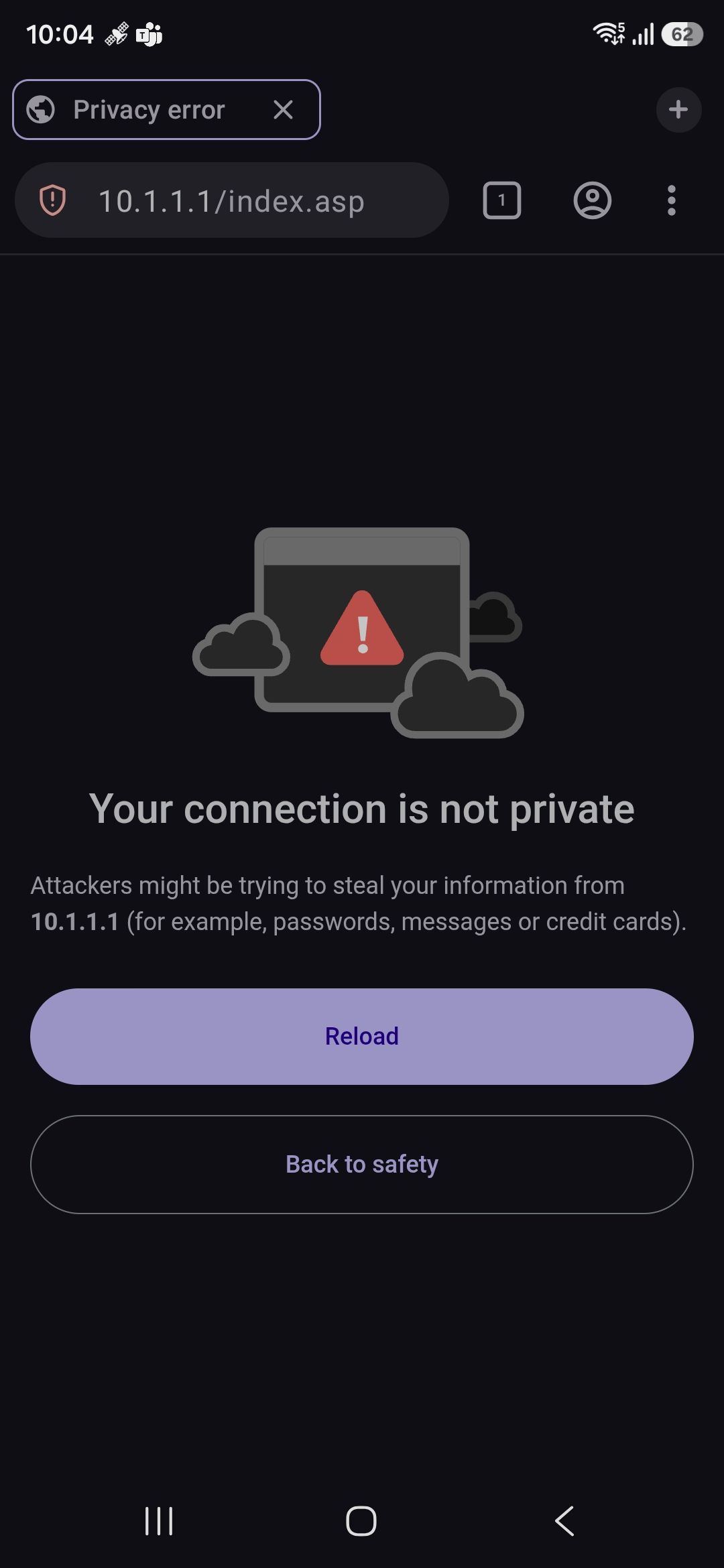
Does anyone know how to get past this screen?
I have to log into about 5 customer routers a day when troubleshooting wifi issues or installing new router, and prefer to use opera but since I recently updated it, it wont let me tap advanced > proceed anyway.If i use firefox, it behaves as normal and I can tap advanced and proceed to the login screen.
Yes I realise its https running across the local wifi network but its the only way to log into the web gui of any modern home router.
-
herman21 last edited by
This is probably the router self signed/local certificate rather than an actual problem with the router. Opera normally warns when it can’t verify the certificate, which is common with router admin pages. Since Firefox lets you continue, heck whether Opera for Android has changed how it handles that particular certificate in the latest update. As a workaround, try the router’s HTTP address if it supports it, or use Firefox for these local admin pages. If this started immediately after the Opera update, it’s worth reporting as an Opera Android bug.