@Mlipka Thank you.
T
Posts made by Tornelo
- General
- General
-
RE: Can't change account in Sidebar Google CalendarGeneral
@leocg So what? Doesn't mean this is how the extension should work! Such behaviour makes sense for tabs but not for this. You should be able to sign out and sign in with an account of your choice. Same as you do with other extensions.
- General
-
RE: Can't change account in Sidebar Google CalendarGeneral
@leocg Sorry, it doesn't. If you click on the avatar in the sidebar, it offers you all the Google accounts. You select the correct one and click - this opens the Google calendar with the selected account in the new tab. While the sidebar remains unchanged. How do I propagate it back?
-
RE: Can't change account in Sidebar Google CalendarGeneral
@leocg Ok? And then what? If you click on the avatar and switch it just opens in a new tab rather than change in the sidebar.
-
Can't change account in Sidebar Google CalendarGeneral
The option to add Google Calendar and Gmail to sidebar just appeared in my Opera.
System:Windows 11 64-bit
Chromium version:143.0.7499.194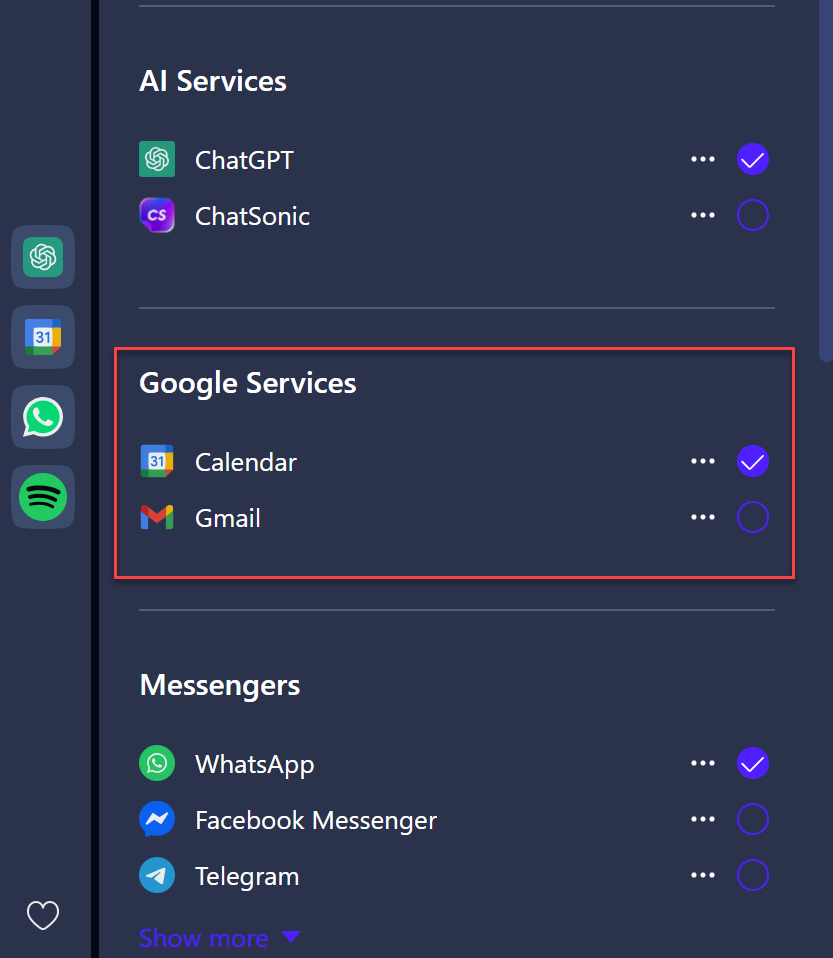
However, it doesn't seem to be possible to switch the account? I assume it take the default Google account by default, but is it seriously not possible to change that?
-
[Duplicated]Sync passphrase reset not workingSynchronization
Hello. Same as many other users I reset my passphrase and now I see no way how to set it. All the data on server was deleted, so now I need to sync everything.
In your helpfiles it says passphrase can be set under "Encryption options". There is no such thing in the settings.
Here is a screenshot: https://tornelo.com/wp-content/uploads/2023/04/Opera.png
As you can see, I am still asked to enter my passphrase. Below the field there is the "If you forgot your passphrase..." option. My expectation is, that if I will follow this link, I will be able to reset my passphrase. But there is no such option on the page, only an unhelpful video.
I have read all the related threads and nobody was able the answer this question successfully for years. All users are being told, it's all perfectly normal and you just need to go to the settings... Could you please be more specific and provide a screenshot how exactly should I proceed?