Hey! I have since gotten it to work by uninstalling and reinstalling it, as turning off extensions and other things did not work.
Thank you everyone for your help!
Do more on the web, with a fast and secure browser!
Download Opera browser with:
Hey! I have since gotten it to work by uninstalling and reinstalling it, as turning off extensions and other things did not work.
Thank you everyone for your help!
Hey! I have since gotten it to work by uninstalling and reinstalling it, as turning off extensions and other things did not work.
Thank you everyone for your help!
@burnout426 It works in a test standalone installation. What should I do now to repair it on my main browser and not through the standalone installation?
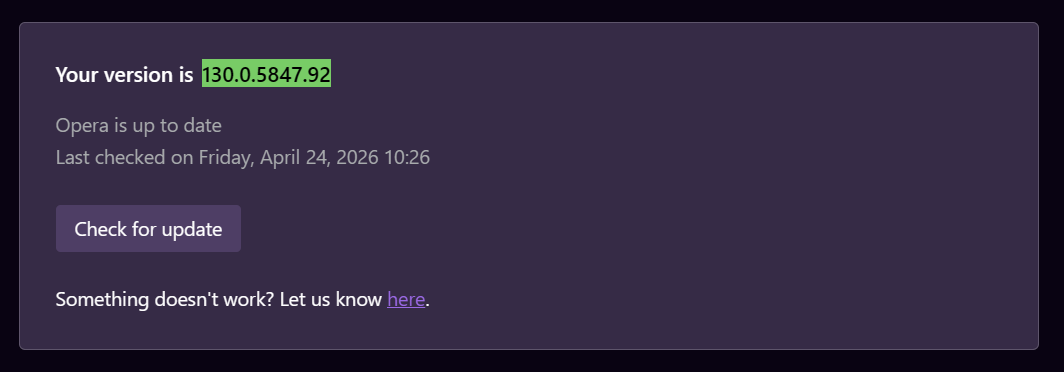
@burnout426 I just updated to 130.0.5847.92 for Opera, and it is not working for me.
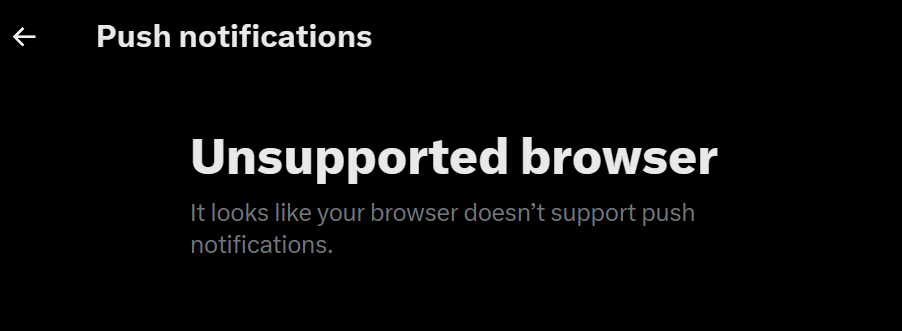
@leocg Opera, and I have not reached out to Twitter/X support yet, as I was waiting to see if it was something with the browser, since when I tried to turn it on, it said "unsupported browser" because it does not support push notifications.
I will contact Twitter/X support later today.
Twitter/X keeps saying the browser is unsupported for notifications and that it doesn’t support push notifications, even though, last I checked, on other websites, push notifications can be turned on and work.
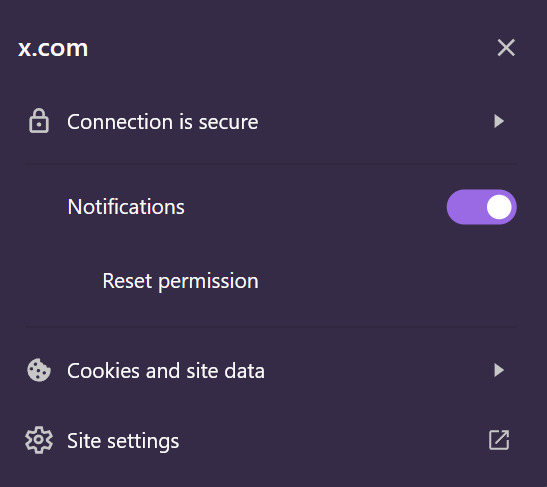
I also have permission enabled in the browser for that website.