I'm completely new to Opera and haven't been able to find any solution to my problem. After I downloaded Opera, I went to import my data from Chrome. I have a lot of bookmarks and data that I often use/access and manually transferring all my data would be an absolute headache. Every time I try to import my data (even when going to settings and trying to import bookmarks), the message "Please make sure no other browser tasks are running and try again" pops up. I've tried ending Chrome with task manager and it still pops up. Any tips? Anything I'm doing wrong? Thanks! Screenshot of pop up attached: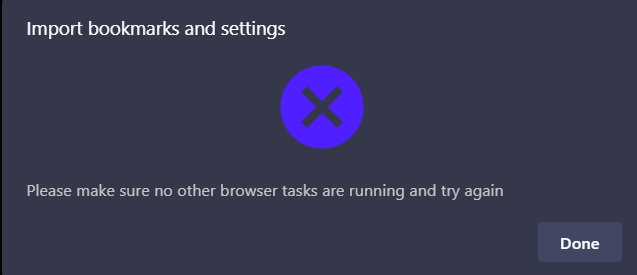
C
Latest posts made by Charweenie
-
Chrome Data Importing IssueGeneral