Make Tab Previews Scalable
-
 TeleTesselator last edited by leocg
Hi guys,
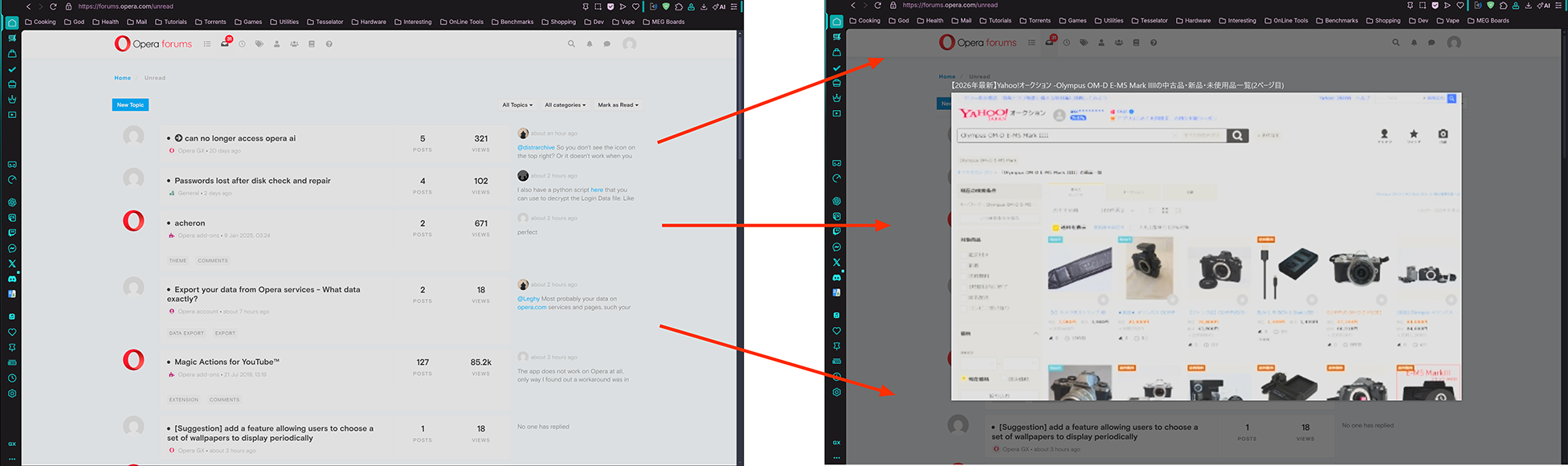
What's the deal with such large tab previews? It's been annoying me since I installed Opera GX. They cover the entire active tab display and it's not even like you can read them or anything. I hope to have tab previews that are about 1/20th the size of my browser window - instead of 19/20ths.There's obviously already a scaling routine that scales it WAY up, how about adding a slider in settings which will allow me to make them smaller? They're kind of useless at this size and are super annoying when a mouse scoot (to get the mouse out of the way to begin typing) happens to land on a tab. It seems to happen a lot.
I hope they are just under the hovered tab (not centered in the middle of the page) and much smaller! According to Grok:
"This has been a common complaint on forums/Reddit for years (including recent 2025 posts), with no official fix added as of early 2026. If Opera ever adds a preview size slider (users have requested it), it'll likely appear in settings under Appearance."
Also according to Grok:
"Their size is tied directly to your system's display scaling/DPI, which explains why they're enormous on a large 55" 4K screen with high scaling — it's designed that way for readability on smaller/high-DPI setups, but it doesn't scale down well for big screens."
But as you can see these are not readable at all - even on a 55" 4k monitor! Besides, No one wants to read tab previews! They are supposed to be a graphical representation of what is being displayed in that tab - if we want to read it we will click it (or whatever) in order to make it the active tab - displayed.
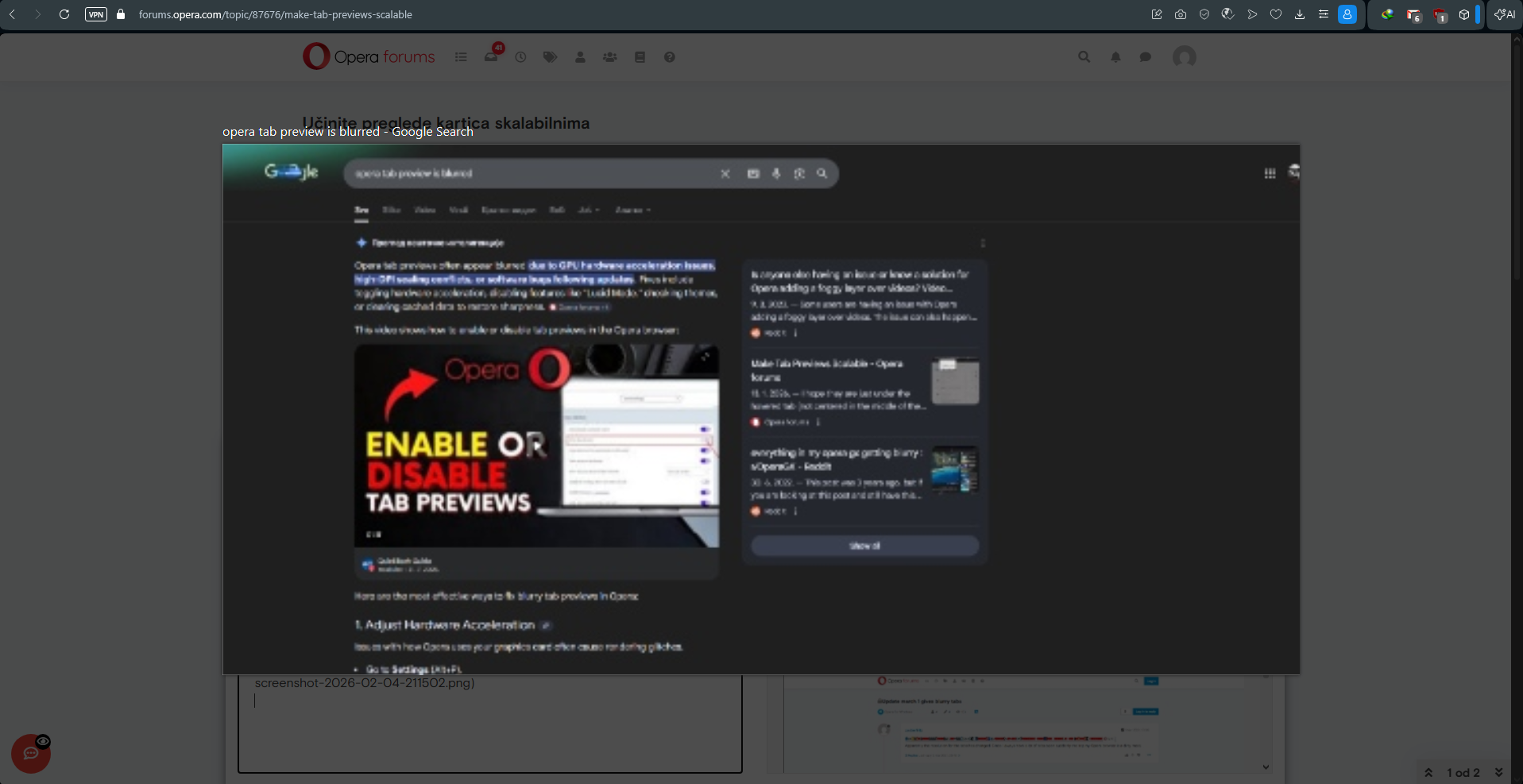
I also connected to my 1080p ultra-wide gaming monitor to see if this reasoning played out in practice. Nope! Not readable there either! Just a blurry mess covering the active browser page. The only time that concept seems to work is if the tab in question is displaying a photograph - but then a small tab previews would work just as well anyway.
Is there are a better feature request pathway for this (or maybe it should be a bug report!)?
-
TeleTesselator last edited by TeleTesselator
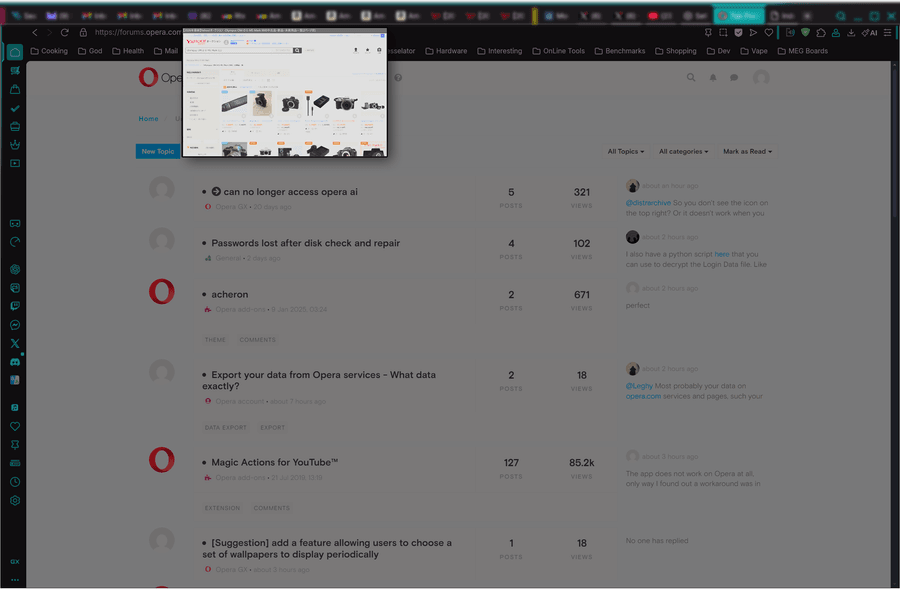
Here's an example of what that might look like - I'm sure the Opera team is better at the actual implementation - this is just a quick mark-up (please excuse the blurred tab-bar):
Of course it would be under the semi-highlighted (hovered) tab - not shown in this mark-up.
-
nikolajub last edited by
Hello guys, I would like to follow up on the posts above, except that I need a tab preview, when I compare something, I need a faster preview of the adjacent tab.
I don't have a problem with scaling, my tab is blurry so much that you can't see anything, the letters and numbers are completely unclear to read, I think it's time to fix this shortcoming.