Recovering deleted Pinboard
-
haloiscool155 last edited by
Hey, I had a pinboard with a couple years of info, is there any chance I can get it back? I've looked through my sync and my mac system files, to little avail. Maybe there's something I forgot?
-
deespasitoo last edited by
@haloiscool155
Hey. Pinboards can be tricky with sync. If they disappeared after an update or profile reset, your data might still be hiding in your Mac's system files. Try these two quick steps:-
Check the hidden database file: Open Finder, click Go on the top menu bar, hold the Option (Alt) key, and click Library. Now navigate to: Application Support / com.operasoftware.Opera / (or OperaGX). Look for a file named Pinboards (or Pinboards.db). If it's there and has a decent file size, your data is safe. Just back it up and replace the new one with it.
-
Check the web version: Go directly to opera.com via a regular browser window and log in. Sometimes the app fails to load them visually, but they are fully accessible on the server.If you use Time Machine, you can also easily roll back that com.operasoftware.Opera folder to a date when everything worked.
I hope this helped, iff you are still facing issues please respond to my message.
- Have a nice day

-
-
haloiscool155 last edited by
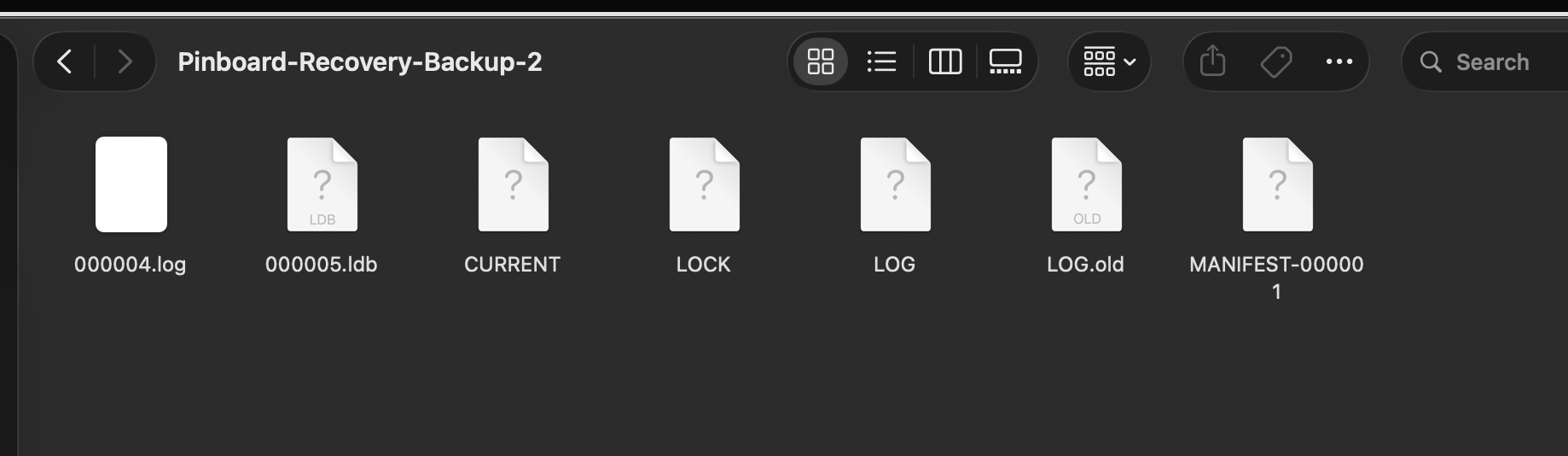
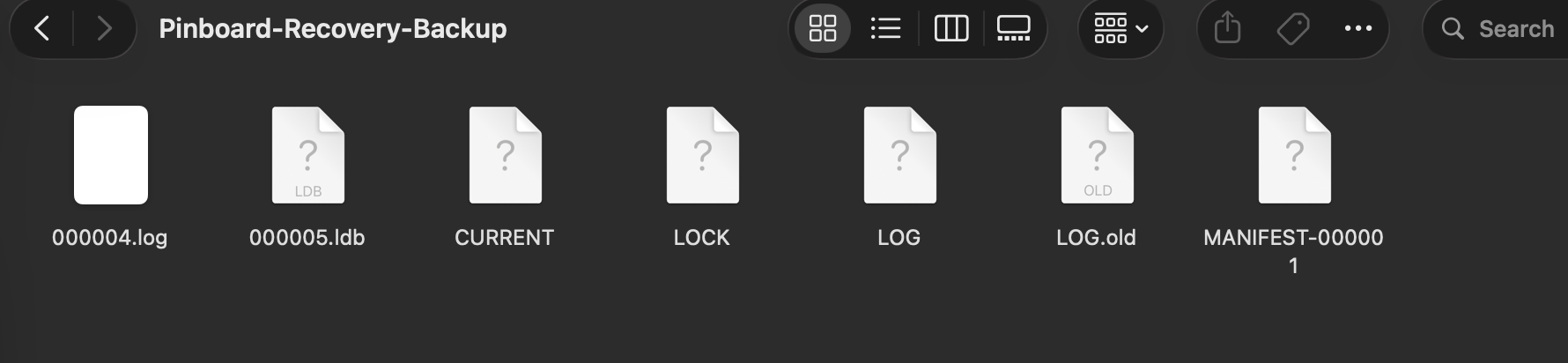
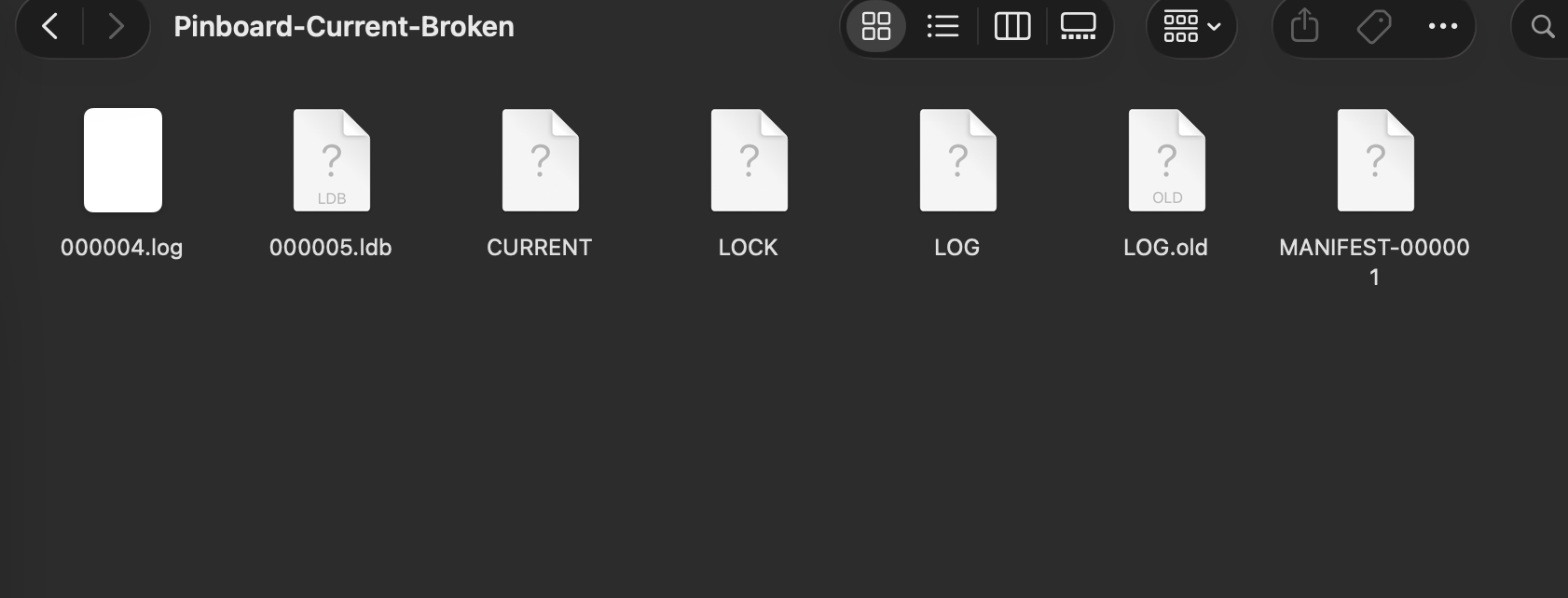
Hey! Thanks for the message. Unfortunately i've tried to visit opera.com, and it's not there, I also checked my indexed.db and there was no info! This is all there was, i've check these files, and none of them are big enough to contain all the links that I had inside the pinboard. Thanks for the help though!
 .
. -
deespasitoo last edited by
@haloiscool155
Hello again, no worries for the help!
About the problem, you are right — those .LOG files are just text journals of database operations, which is why they are tiny and empty. Your actual pinboard data isn't stored there.Since you have those backup folders (Pinboard-Recovery-Backup), look inside them for these two files:
First, ldb files: Look inside the https_pinboard.opera.com_0.indexeddb.leveldb folder. The actual data is stored in the binary files named 00000X.ldb. Check if any of those are larger in size.
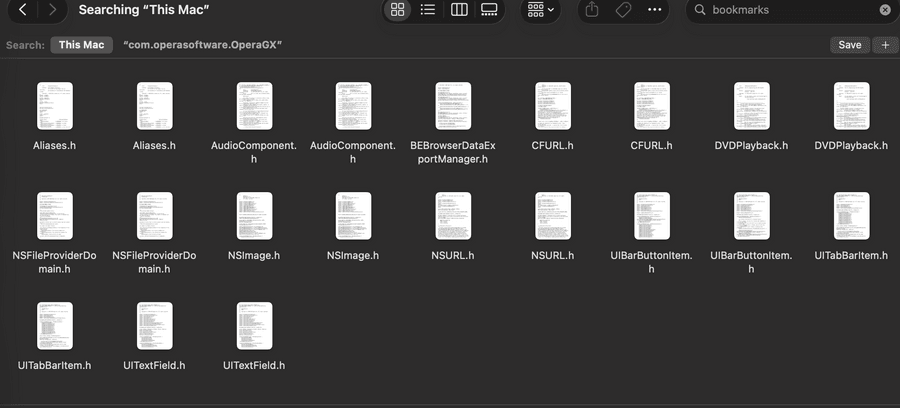
Second, The "Bookmarks" file: Go one folder up to your main Opera profile root directory. Opera frequently mirrors sync data into your native Bookmarks and BookmarksExtras files.
If your backup folders contain old .ldb files or a larger Bookmarks file from before the crash, close Opera completely and replace your current files with the backup copies.I hoped this helped you, if did please leave an upvote, I would be really thankful!

Have a nice day! -
haloiscool155 last edited by
@deespasitoo
Hello again, I do really appreciate the help. This is all I found