Cookie Error keeps appearing
-
General-Plankton last edited by
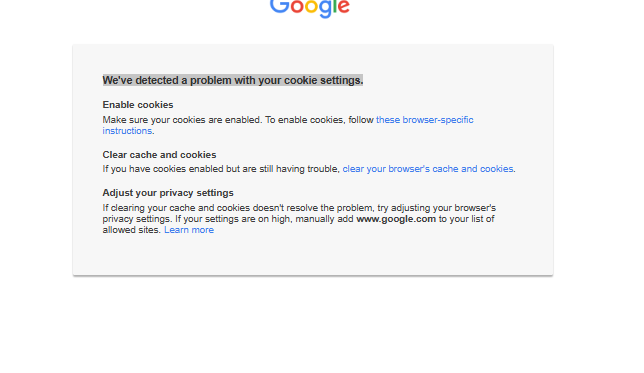
This error keeps occuring at times. I am logged into my google account and cookies are allowed. But when I try to go to photos.google.com or sheets, this error appears.
Any idea how to get rid of this? I've already reset my browser once.
-
burnout426 Volunteer last edited by
Goto the URL
opera://settings/content/siteData, make sure the default behavior is set to "Allow sites to save data on your device" and make sure all the customized behavior lists are empty. Then, goto the URLopera://settings/cookies, make sure it's set to "Allow third-party cookies" and make sure the allow list is empty.Then, goto the URL
opera://settings/content/all, typegoogle.comin the search field and click "Delete displayed data".Then, goto the URL
opera://settings/clearBrowserDataand clear "Cached images and files" for all time.Then log in to Google and try things. If things work fine, restart Opera and make sure they still work fine. If not, there are other things we can try.
